
How to Read a Bank Statement
More than a purchase list, a statement records activity within fixed dates. Begin with its identity, test the balance calculation, inspect the ledger, and finish with notices.
Generate a fictional statement in the browser for testing, training, or budgeting exercises. It uses a fixed demonstration account reference and permanently displays BANK-STATEMENT.NET with a synthetic-record notice.
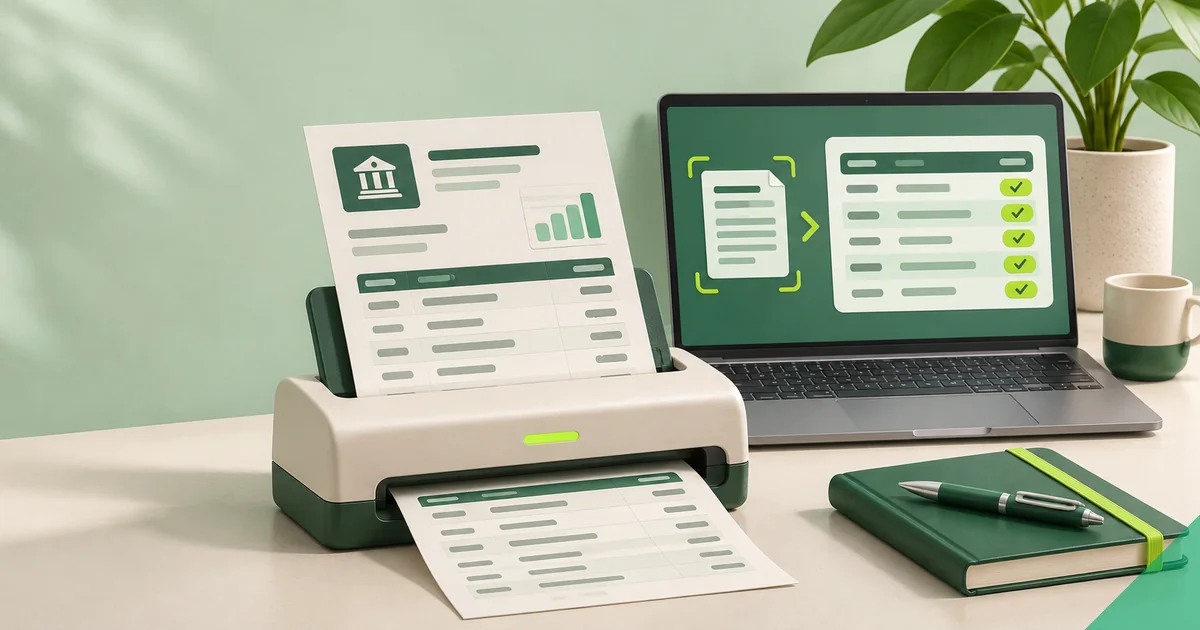
Typing refreshes the preview immediately, while printing produces an A4 portrait layout.
| Transaction date | Value date | Transaction details | Withdrawal | Deposit | Balance |
|---|---|---|---|---|---|
| Grand total | 1,292.99 | 2,400.00 | |||
| Closing balance | 2,357.01 | ||||
The closing balance equals opening balance plus deposits less withdrawals. Every value is imaginary and provided solely for testing.
Use the generator for spreadsheet layout tests, bookkeeping demonstrations, training, quality assurance, or personal budgeting practice. Enter fictional descriptions and directions, and the browser calculates balances and period totals.
No financial institution issues this output, and it contains no bank logo, routing data, signature, official seal, or editable account identifier. Synthetic records cannot establish identity, address, funds, income, creditworthiness, ownership, or real activity.
Both screen and print views place BANK-STATEMENT.NET diagonally at 25 percent opacity. Three visible labels identify test material: SYNTHETIC, DEMONSTRATION DOCUMENT, and NOT AN OFFICIAL BANK RECORD.
Never crop, conceal, remove, or misrepresent those notices. Generated output must not be offered as evidence to a landlord, lender, bank, court, agency, employer, insurer, auditor, payment provider, or any other party.
The starting amount is the opening balance; money-in entries raise it and money-out entries reduce it. Separate totals are displayed, and closing balance equals opening balance plus credits less debits.
Only arithmetic is checked. The calculator cannot verify realistic descriptions, actual transactions, or membership in an issued period, so use fictional data and inspect the preview before print or PDF save.
For example, a developer can enter a fictional 1,250.00 opening balance, 2,400.00 demo payroll credit, and sample debits to test spacing, calculations, and PDF output. The browser computes running balances without transmitting entries to the server.
The saved result remains test material. Store it with synthetic data, keep it separate from genuine customer records, and never use it to prove real financial activity.
Use the fictional output with the guide to reading a bank statement when teaching statement sections without exposing a real account.
More than a purchase list, a statement records activity within fixed dates. Begin with its identity, test the balance calculation, inspect the ledger, and finish with notices.
A workbook becomes reliable when every row can be traced to the statement. Its controls must demonstrate complete capture and make corrections visible.
Identity details, account identifiers, addresses, income rhythms, locations, and spending habits can all appear in one statement. Protect the document in full, not only its obvious numbers.
Simple arithmetic governs the generated test data. Extracting a real statement also demands preservation of the source, page-level checks, uncertainty markers, and reconciliation to the issued document.