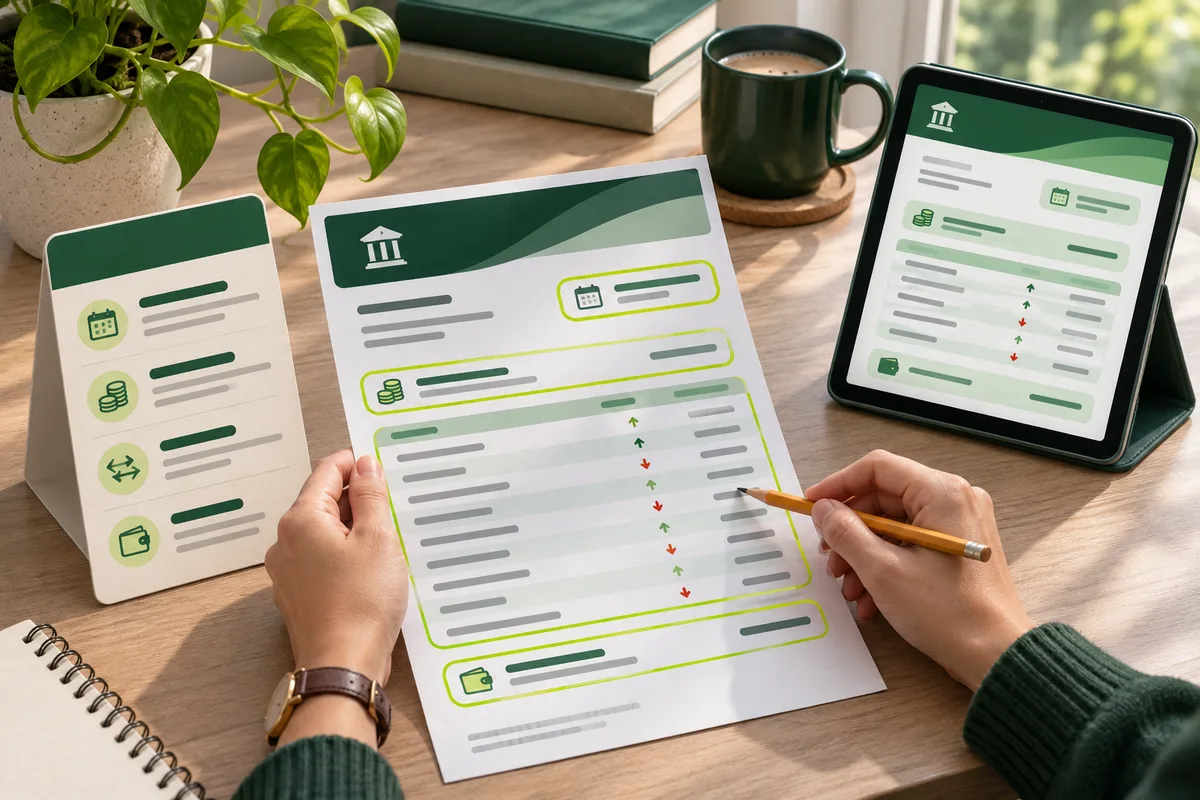
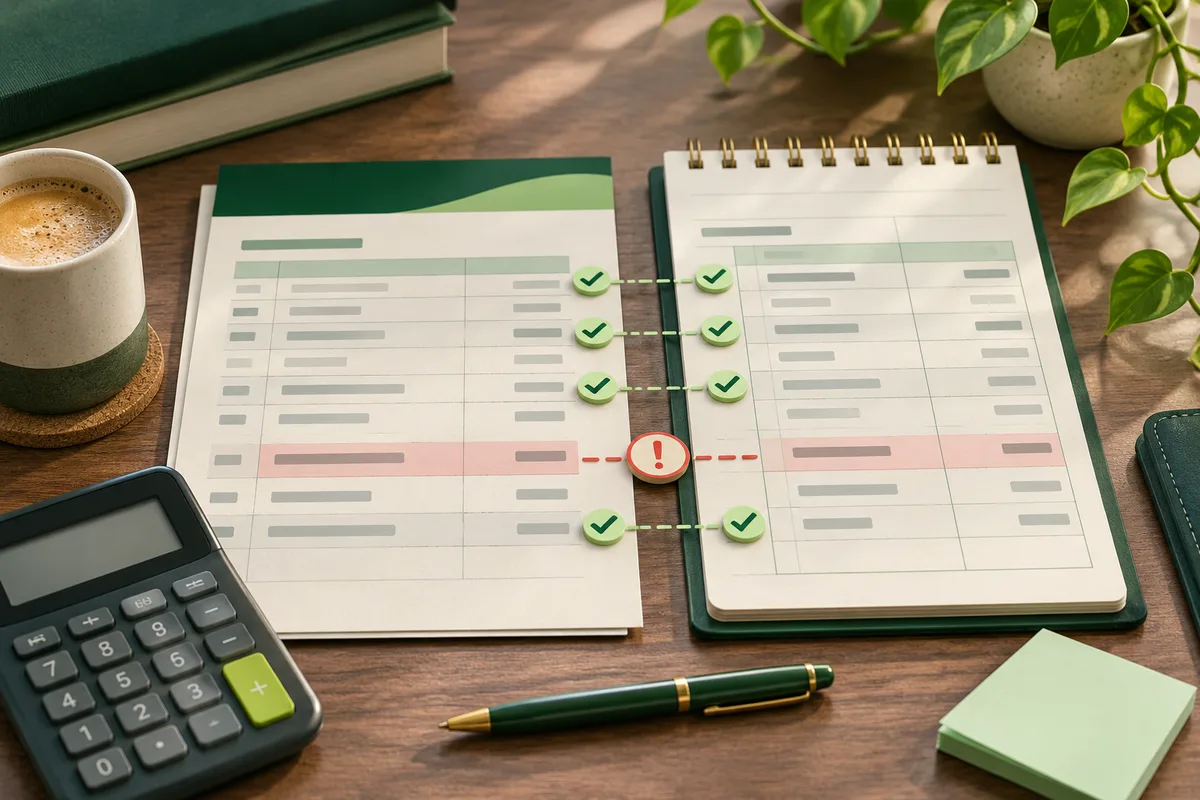
Bank statement analyzer
Review transactions, balances, categories, and warnings.

Your statement is being secured before analysis begins.
Leave this window open; your private results will load here when ready.
Submit a single statement for a view of its transactions, balance movement, cash flow, spending groups, and possible recurring charges. You can begin without registering or paying.
Analysis performed without an account remains separate from any profile. Automated processing creates the requested output, while uploads stay unpublished, outside public libraries, and away from search indexes. Temporary files are removed after 30 minutes. Merchant matching receives reduced transaction wording, never the document, date, value, balance, account identifier, or card ending.
Review transactions, balances, categories, and warnings.
Check payments, fees, interest, and transaction activity.
Create a structured workbook with review fields.
Find repeated merchant, amount, and timing patterns.
Follow incoming funds, outgoing funds, and the resulting change.
Export portable transaction rows with stable source fields.
Reconstruct rows from scans and clear phone photographs.
Compare category totals without uploading a statement.
Calculate monthly costs, money remaining, and savings rate.
Learn practical checking, privacy, and reconciliation workflows.

The workflow keeps source rows, derived fields, warnings, and exports connected so you can trace a result back to the uploaded statement.
supported upload formats
rows, warnings, calculations, and exports stay traceable
temporary result expiry without an account
Every conclusion remains verifiable because source rows appear alongside calculated fields, totals, possible recurring activity, and warnings.
For every extracted entry, inspect source wording and posting date together with direction, value, available balance, category, confidence, and notes.
Inspect credits, debits, net change, and transaction count while retaining direct access to the entries that produce those figures.
Calculated categories help organize review, but bank wording stays on screen. Items without a confident match remain open for correction.
Similar debit values and repeating merchant text form review groups. Such a group does not establish an active or authorized subscription.
Rather than concealing or guessing, the result flags illegible values, doubtful signs, incomplete extraction, and other constraints.
Export the reviewed ledger to XLSX or CSV. Check every downloaded row before it enters bookkeeping, tax records, or any later process.
Capture the closing statement balance and keep it distinct from current or available balance figures.
Surface the stated minimum payment and payment due date for confirmation against the original statement.
Review due dates, posted payments, and statement-period boundaries without assuming a payment has cleared.
Keep purchases, payments, credits, cash advances, and other activity connected to their source descriptions.
Identify statement-reported fee and interest lines for review rather than estimating charges from incomplete data.
Show unclear values, missing fields, and extraction limits before the result is used for another financial task.
Read warnings first and compare source rows before evaluating totals. Charts and categories become useful only after dates, wording, signs, values, and balances match the statement.
| Result | How it is produced | What to verify |
|---|---|---|
| Money in | The sum of extracted credit values. | A credit may represent a refund or transfer instead of income. |
| Money out | The sum of extracted debit values. | Consider transfers, reversed entries, and cash withdrawals separately. |
| Net movement | Total credits minus total debits. | When both endpoint balances are legible, compare them with this net change. |
| Spending category | An interpreted label displayed next to the bank's wording. | Review unclear merchants, purchases with several purposes, and entries without categories. |
| Recurring candidate | A pattern of similar descriptions and values observed during the uploaded period. | Independently verify who billed it, the agreement, its frequency, and present status. |
| Warning | An on-screen notice about uncertainty, illegible information, or an unresolved control. | Revisit the referenced entry or page and resolve it from evidence rather than assumption. |
For a fictional statement with a $2,410.25 opening balance, $3,200.00 in credits, and $2,845.60 in debits, the expected closing balance is $2,764.65. If the printed closing balance is also $2,764.65, the balance difference is $0.00.
| Check | Fictional value | How to interpret it |
|---|---|---|
| Opening balance | $2,410.25 | Use the balance printed for the start of the statement period. |
| Add total credits | +$3,200.00 | Include extracted credits, then review whether any are refunds or transfers rather than income. |
| Subtract total debits | -$2,845.60 | Include extracted debits, then review transfers, reversals, and cash withdrawals separately. |
| Expected closing balance | $2,764.65 | Opening balance plus credits minus debits. |
| Printed closing balance | $2,764.65 | Compare with the statement, not a live online-banking balance from a later date. |
| Balance difference | $0.00 | A zero difference supports the arithmetic check. It does not prove authenticity, ownership, authorization, or correct categories. |
The extracted opening balance, credits, debits, and closing balance are arithmetically consistent for the period shown.
Confirm every transaction sign and description, then separate transfers, refunds, and reversals before interpreting income or spending.
Balance agreement cannot establish that a document is genuine, that an account belongs to someone, or that unfamiliar activity is fraud.
Apply the same control with the bank statement balance reconciliation guide, then use the statement review checklist before relying on a result.
For the easiest review, choose a complete downloaded PDF whose text can be selected. Photographs and scans also work, but require extra checks for clarity and complete page coverage.
| Source file | What the analyzer does | Best preparation |
|---|---|---|
| Downloaded PDF | Extracts embedded text from the first 80 pages at most and retains transaction wording. | Provide the full issued document, not a cropped screenshot or incomplete activity export. |
| Scanned or image-only PDF | When embedded text cannot be used, renders no more than the first 12 pages for image processing. | Make every page complete, upright, correctly ordered, and sharp enough for dates and decimals to remain legible. |
| JPG, PNG, WebP, or TIFF | Adjusts stored rotation and prepares a single uploaded image for processing. | Capture the entire page on a flat surface, prevent glare, and confirm that small balance numbers can still be read. |
| CSV, XLS, or XLSX | Turns recognizable columns for dates, wording, debits, credits, values, balances, and currencies into rows for review. | Keep a single header, label debit and credit columns clearly where possible, and delete worksheets unrelated to the statement. |
| Password-protected PDF | Ends processing before analysis because encrypted contents cannot be safely read. | First obtain an authorized, unprotected bank copy or remove the password on your own device. |
One file of no more than 20 MB can enter the temporary analyzer. For images, pair the bank statement image reader with the statement OCR quality checklist. When issued records and recent activity disagree, use the bank statement with live transaction history comparison before concluding that an entry is absent.
Use the free analyzer for one issued statement. Choose a focused tool when the source, number of periods, or question changes.
| Your question | Best starting point | Why it fits |
|---|---|---|
| What happened during one statement period? | Free bank statement analyzer | Reviews one uploaded statement with temporary results, source rows, totals, categories, recurring candidates, warnings, and exports. |
| Is a scan or phone photograph readable enough? | Image bank statement reader | Focuses the review on page coverage, orientation, image quality, and reconstructed transaction rows. |
| How did cash flow change across periods? | Cash flow summary | Keeps credits, debits, net movement, transfers, and period boundaries visible before comparing trends. |
| Which payments may repeat? | Recurring payment finder | Groups similar merchant, amount, and timing patterns as candidates that still require confirmation. |
| Can I explore categories without uploading a statement? | Spending analyzer | Uses figures you enter yourself and does not require a financial document. |
| How much remains after monthly costs? | Monthly expense calculator | Calculates a planning scenario from entered income, expenses, savings, and debt payments. |
Rows are extracted and balance structure is checked while source descriptions remain intact. Any interpretation is identified as such.
Read the full methodologyExtract embedded PDF content or process prepared images of its pages.
Separate dates, descriptions, debits, credits, and balances.
Compare totals and surface arithmetic inconsistencies.
Show uncertainty before export or interpretation.
More than a purchase list, a statement records activity within fixed dates. Begin with its identity, test the balance calculation, inspect the ledger, and finish with notices.
Begin analysis by producing a ledger that reconciles to the source. Categories and visual summaries become decision-ready only after row structure and amount direction have been checked.
The purpose of reconciliation is to account for every difference at one cutoff. Removing difficult entries merely creates agreement without evidence.
Cash flow describes funds moving through an account, but transaction direction does not establish economic purpose. Credits are not automatically income, and debits are not automatically expenses.
Choose category detail according to the decision at hand, while keeping definitions consistent enough to compare one period with another.
Pattern detection can suggest repetition but cannot establish whether an obligation remains active or was canceled. Check every candidate with account history and the merchant.
Move from extraction to verification with focused tools, guides, and transparent methodology.
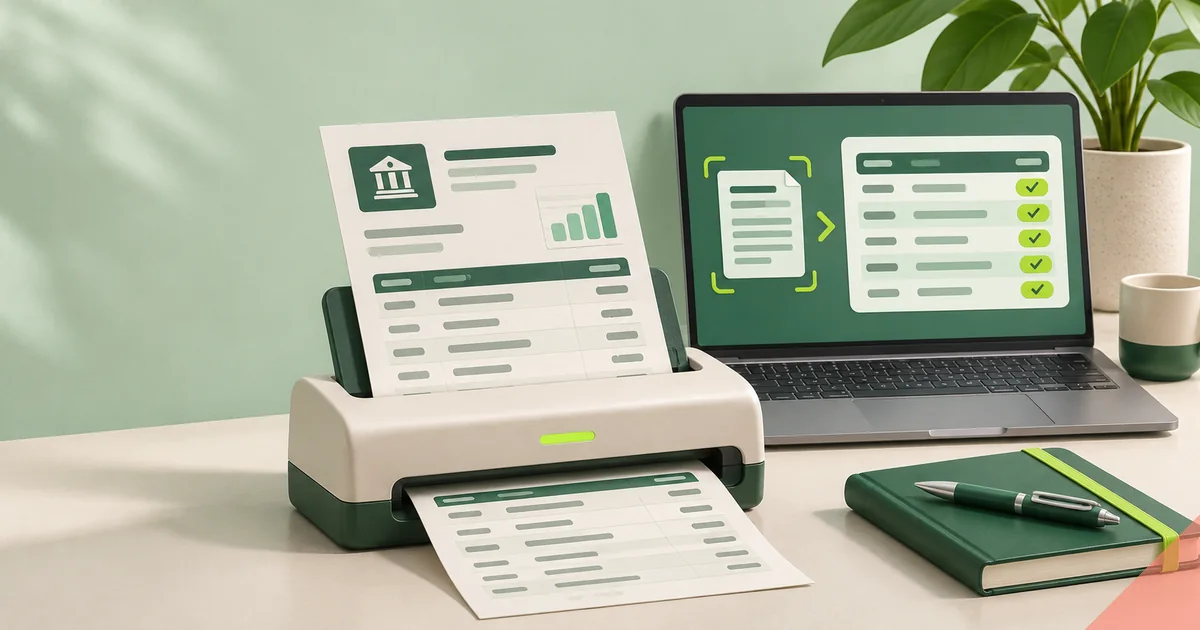
Choose Excel for a workbook with review fields or CSV for portable rows that retain the source description.
Explore statement toolsThese direct paths change every three hours. Every public tool, guide, topic, research article, and trust page appears in the rotation.
Check a processor-published test number with Luhn validation and study synthetic statement layouts without exposing genuine payment information.
After correcting orientation and dimensions, the reader rebuilds rows and marks unclear dates, figures, or balance sequences for inspection.
Potential matches come from aligned merchant labels, timing, and values, but each result stays unconfirmed until you check it.
Learn who creates the site, where automation assists, and which review standards the work must meet.
Submit a card statement to examine transaction activity along with fees, interest, credits, purchases, payments, and balances.
Examine clearly defined ratios for cash flow, essential spending, debt, and savings.
Explore the full learning collection according to your statement task and place in the review process.
Begin analysis by producing a ledger that reconciles to the source. Categories and visual summaries become decision-ready only after row structure and amount direction have been checked.
Institutions and countries do not always assign the same meaning to a code. The statement legend and issuer documentation take priority over general explanations.
A bank statement may expose identity, earnings, whereabouts, and spending habits. Temporary output is deleted automatically. Profile files are retained only by choice, encrypted while stored, and kept away from public or indexable pages.

Free results always show their core totals. Plus and Pro provide greater monthly capacity, period comparisons, planning features, private retention, and questions linked to statement evidence.
$0 includes 1 monthly statement analysis, temporary output, exports, and an optional 30-day saved profile copy.
Analyze a statement$4.99 monthly provides 10 analyses, period comparisons, 30 questions, and tools for routine review.
Review Plus$9.99 monthly provides 50 analyses, forecasts, expanded storage, and 200 questions.
Review ProQuick guidance on pricing, access, privacy, supported files, accuracy, and boundaries.
Yes. Analyze a single statement without creating a profile or supplying card details. The bank statement analyzer pricing page lists current limits, included features, and the difference between temporary output and saved files.
No. Only your selected PDF, spreadsheet, or picture is read. The analyzer neither asks for online-banking login details nor establishes a bank connection.
Your document is never published, although automated systems read it to generate output. Temporary analysis belongs to the browser session and disappears after 30 minutes. Review the bank statement privacy policy before submitting sensitive material.
Files may be PDF, Excel, CSV, PNG, JPG, TIFF, or WebP and cannot exceed 20 MB. Text-readable PDFs allow 80 pages, compared with 12 rendered pages for scans. Use the image bank statement reader to confirm that every photographed or scanned page remains legible.
Results vary with document quality, page design, scan clarity, and transaction context. Check all dates, signs, values, balances, and categories. Controls are documented in the bank statement analysis methodology; deeper investigations appear in Bank Statement Research.
No. Unfamiliar wording and repeated activity can be flagged for attention, but this does not establish fraud, consent, identity, or ownership. Follow the bank statement review checklist and report suspicious activity to the institution.