
Bank Statement OCR Quality Checklist
Text volume does not establish OCR quality. Acceptance depends on proving that the reconstructed ledger retains the source rows, column positions, signs, and balance logic.
Your statement is being secured before analysis begins.
Leave this window open; your private results will load here when ready.
Process a scan or photograph by normalizing pages, reconstructing ledger rows, and identifying fields requiring human verification. Complete, legible source images materially improve reliability.
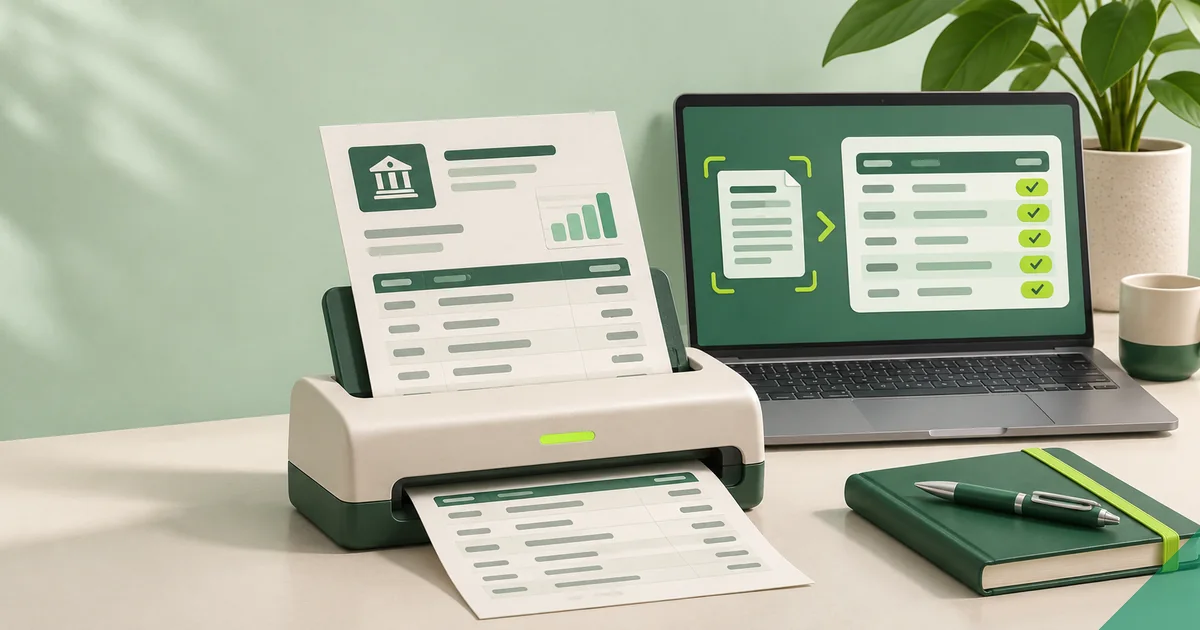
Complete page edges help establish coverage, while sharp columns keep dates, wording, signs, decimals, and balances distinct.
Prefer a clean source over extensive correction work, especially when the bank offers a downloadable PDF.
Capture the whole page squarely, under even light, at resolution sufficient for decimals, minus signs, and column boundaries. Exclude fingers, shadows, glare, folds, patterned surfaces, and crops that remove pagination or values.
Keep pages in source order and separate different accounts or periods. When available, the bank's PDF is better evidence because screenshots and photographs may lose text, scale, and layout.
Image extraction can confuse characters, combine neighboring columns, duplicate headers, split wrapped descriptions, and omit signs. Security backgrounds or weak contrast may disrupt recognition even when a human can read the page.
Calculations can locate a suspect row but cannot determine its source value. If a particular digit would force agreement, verify it from the image or leave the field unresolved.
Suppose glare crosses the decimal in a photographed 18.90 debit and extraction returns 189.00. Subsequent running balances differ by 170.10, which identifies the likely error location but cannot prove the obscured digits.
Check a better image or issued statement for resolution. If neither exists, leave the entry unresolved and keep it out of conclusions requiring verified control totals.
Check row counts and control totals page by page before evaluating the full statement. Trace each page's first, middle, and last row, every transition, and entries affected by handwriting, stamps, folds, or unusual layout.
When exceptions are numerous, obtain a clearer scan instead of editing from memory. Preserve the original image and log each manual correction with page-level evidence.
Text volume does not establish OCR quality. Acceptance depends on proving that the reconstructed ledger retains the source rows, column positions, signs, and balance logic.
Identity details, account identifiers, addresses, income rhythms, locations, and spending habits can all appear in one statement. Protect the document in full, not only its obvious numbers.
Begin analysis by producing a ledger that reconciles to the source. Categories and visual summaries become decision-ready only after row structure and amount direction have been checked.
Understand how complete page coverage, reconstructed entries, arithmetic checks, and manual verification combine.